DejalNews #84: thoughts about Time Out syncing, iOS app, subscription options
· DejalNews · Time Out

Read More
· DejalNews · Time Out
Read More
· FAQ · Time Out

Read More
· FAQ · Time Out
I got a support request for Time Out, my popular break reminder tool, asking to display a fixed image during the break. Time Out uses HTML pages as break themes, so it is possible to have a fixed image as a theme — in fact the default theme, Icon, does just that, with the app icon. So one way to have a fixed image is to: Choose the Reveal Themes command at the end of the Theme pop-up menu to open the Themes folder in the Finder. Duplicate the Icon theme folder and give it a new name. Replace the icon.png file with your chosen image. Edit the index.html to adjust the name and size of the…
Read More
· FAQ · Time Out
Read More
· FAQ · Time Out

Read More
· FAQ · Time Out
Read More
· FAQ · Simon · Time Out
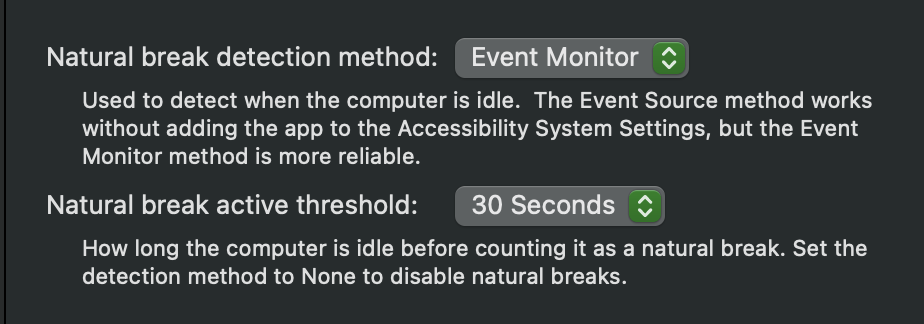
Time Out comes with a number of built-in sounds that you can play as part of the Break Actions, plus it lists all sounds you have installed on your Mac, which includes system default ones, and any you have added to the standard sound folders. It's worth noting that you can also have Time Out play any music from your Apple Music library, too. Find more sounds To add more sounds, you first need to find and download them from a website. There are many sites that offer sounds of varying length, quality, themes, etc. Some for free, some as paid offerings. Usually with previews so you can listen…
Read More
· FAQ · Time Out
In ye olde days, software was sold once, for what would be considered nowadays to be a high price, and every year or so the developer would release a major paid upgrade, typically charging about half of the original price. I still do this for Simon, my pro tool to monitor websites and servers for changes or failures, since that model is still common for pro apps. Though it is also available on Setapp, as part of a subscription along with hundreds of other apps. But for Time Out, my popular break reminder app, I wanted to try something different. I introduced a "supporter" model, where people…
Read More
· DejalNews · Simon · Time Out
Read More
· release · Time Out
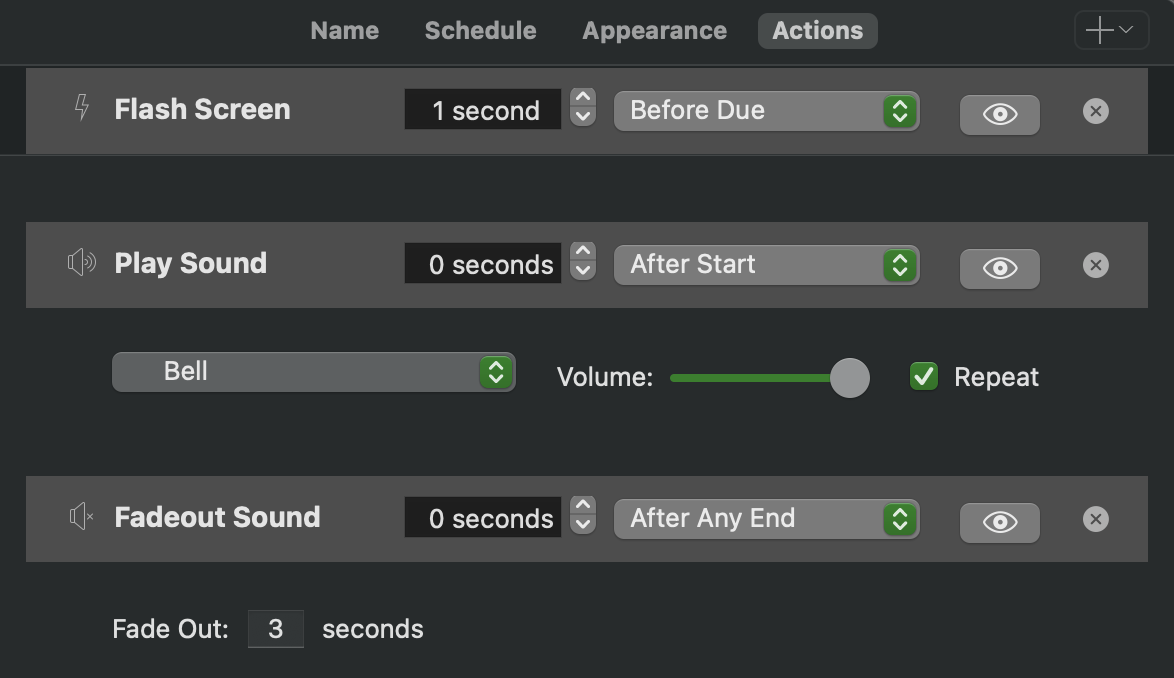
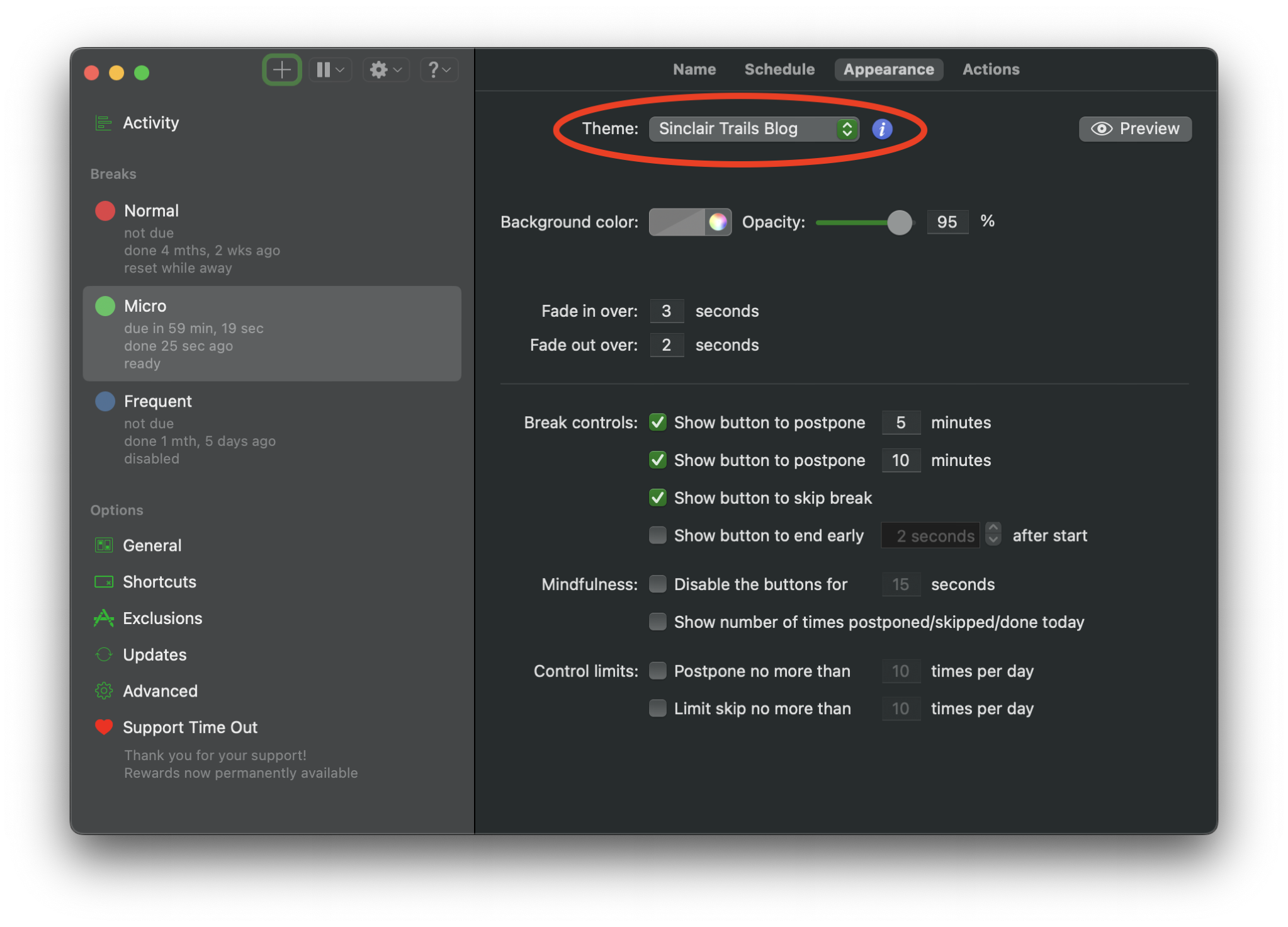
I'm pleased to announce an update of Time Out, my popular break reminder tool. This update includes some nice fixes and tweaks: Now uses more modern ways to start the break helper, the automatically start on login option, and access the System Settings. Fixed app icons not appearing in the Activity log for apps with display names that don't match their filename. Fixed a break sometimes stopping too early when using the Ask When to Start option. Fixed a break not being rescheduled past midnight when a natural break occurs. Added themes for the Sinclair Trails blog and YouTube channel, and…
Read More
· FAQ · Time Out
Read More
· extras · Time Out
Read More
· consulting · NewsBlur · SheetPlanner · Simon · summary · Time Out

Read More
· FAQ · Time Out
The direct edition (available from this site), the Mac App Store edition, and the Setapp edition are very similar, but there are a few minor differences: Download The direct edition can be downloaded from this site. The Mac App Store edition can be downloaded from the App Store app. The Setapp edition can be downloaded from the Setapp app. Installation The direct edition will download to your Downloads folder, so simply drag it into your Applications folder to install. The Mac App Store edition will be downloaded directly into the Applications folder. The Setapp edition will be downloaded…
Read More
· FAQ · Time Out
Look in your Dock and menu bar; does Time Out appear more than once? If it's in the Dock more than once, you can long-click or right-click on the Dock icon to display the Dock menu for the app, then choose Options ▸ Show in Finder to reveal the app in the Finder. Do this for each to find the one that shouldn't be there — it could be in your Downloads folder, or in a subfolder of Applications if you installed both from the Dejal site and the Mac App Store. Once you find the duplicate, quit that app (by double-clicking the app icon to bring it to the front, then press ⌘Q), then move it to the…
Read More
· FAQ · Time Out
Read More
· FAQ · Time Out
If no break appears when you manually start one, or as scheduled, there are a few possibilities. Firstly, look in the sidebar; it should indicate why a break didn’t occur. You should restart your Mac. That often fixes wackiness. If that doesn’t help, make sure you don’t have more than one copy of Time Out. If still no luck, there may be a permissions issue. To fix a permissions issue, try this: Make sure Time Out is in your Applications folder. Paste the following command into Terminal: xattr -d -r -s com.apple.quarantine /Applications/Time\ Out.app If this gives a permissions error (e.g.…
Read More
· FAQ · Time Out
Read More
· FAQ · Time Out
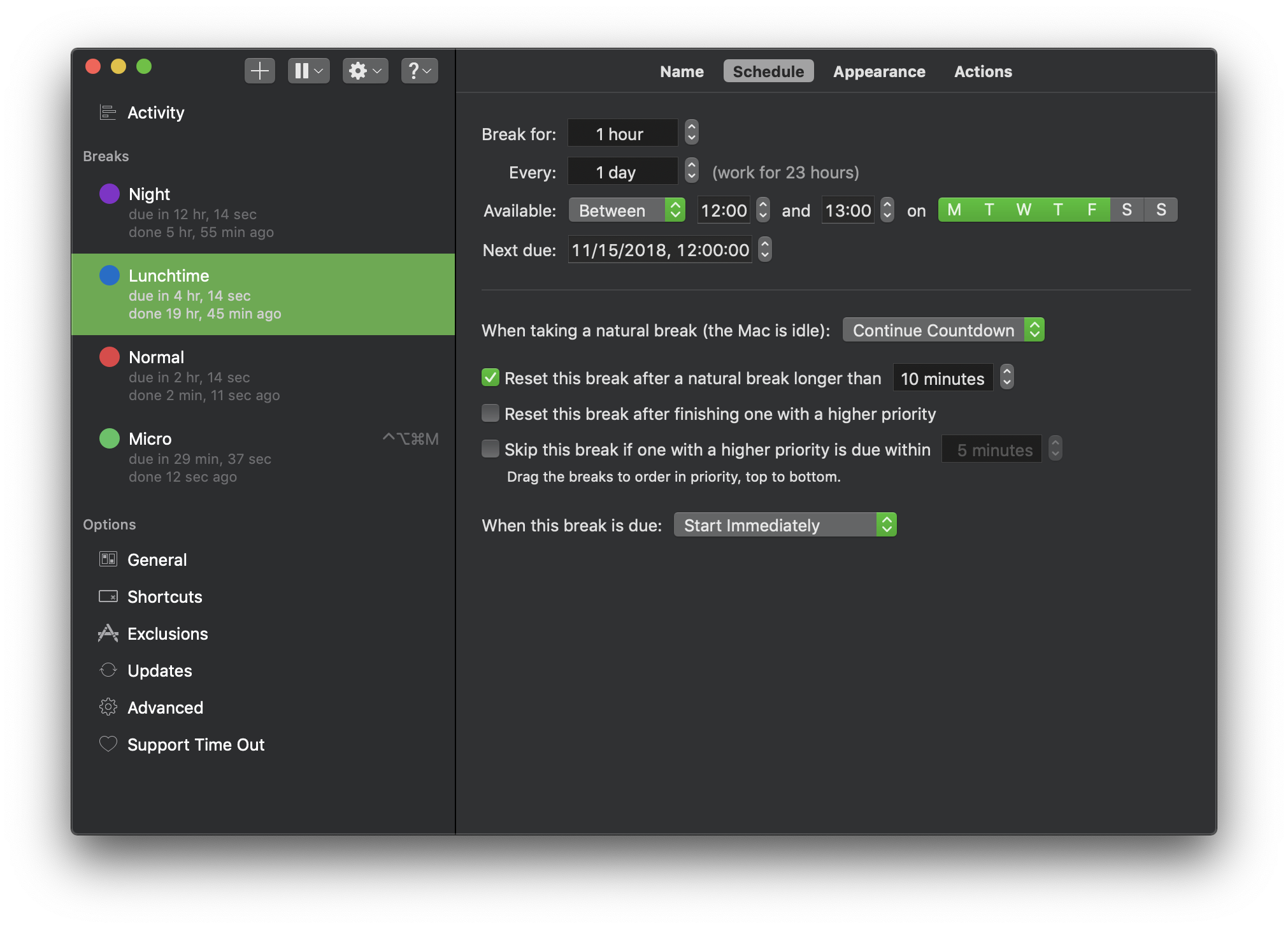
"Natural breaks" are when the Mac is not being used; idle. By default, Time Out will wait briefly then count backwards when you are having a natural break, to give you credit for not using your computer. If you do a lot of reading on-screen, that doesn't cause keyboard or mouse activity, you can change the app to disable this behavior by choosing Continue Countdown from the popup menu on the Break Appearance page of the settings. Or if you'd prefer to have it just pause the countdown, instead of counting backwards, or reset the timer, those are also options.
Read More
· FAQ · Time Out
Yes. I recommend that you always use the latest version of Time Out if you can, as it has the latest improvements and fixes. But if your Mac isn't using a recent OS version, you're curious what older versions were like, or you have some other reason to want an older version, they are still available. Just download the latest release that supports your OS version. Download the latest general release (works back to Mac OS X 10.15). Download version 2.8.1 (works back to Mac OS X 10.11). Download version 2.7.2 (works back to Mac OS X 10.10). Download version 1.7.1 (works back to Mac OS X 10.7).…
Read More